Letters live outside. So does the word of the day.
Letters appear on the map around you. Walk to one to pick it up. Your phone checks you actually took the steps. Hoard them in a satchel that only holds fourteen, then spend them on the word everyone is racing to fill today.
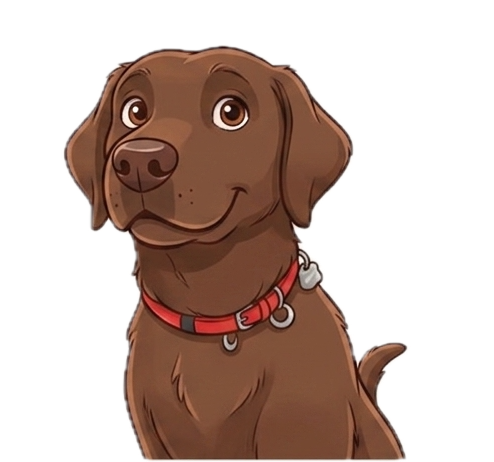
Meet the dog the game is named after.
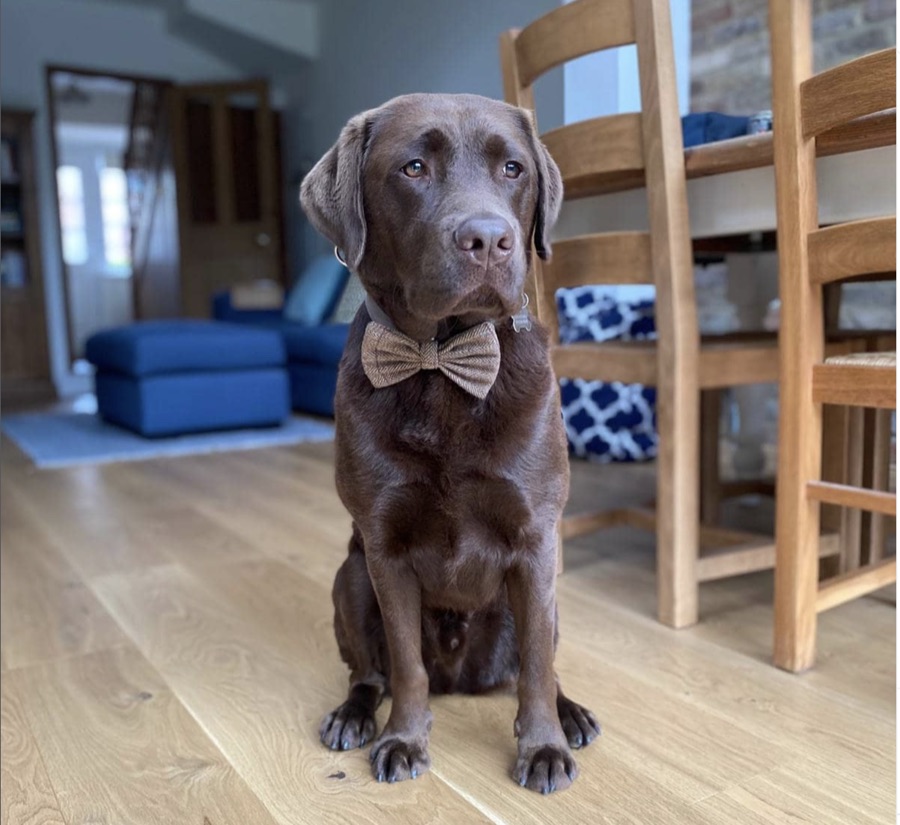
A chocolate Labrador with strong opinions about walks. Here's what he's been up to lately.
Follow @byron_thechocolatelabHow it works
- Forage. Letters spawn near you and stay put. Getting there is the game.
- Hoard. Fourteen slots, so every pickup means leaving something else on the map.
- Spend. One global word a day. Fill it fastest and you top the board.
- Compete. Race the world, or make a group and race just your friends.
On Apple Watch
Start a walk on your watch and leave your phone in your pocket. Your wrist taps when you pass a letter. Raise it to see the letter, and pinch to keep it. If you let one go, it's still on the map.
- Getting it. The watch app comes with Byron for iPhone. If it isn't on your watch already, open the Watch app on your iPhone and tap Install next to Byron under Available Apps. It needs watchOS 10 or later.
- Keep your phone with you. The watch handles the taps. Your phone still finds the letters and keeps your satchel.
Each walk is saved to Apple Health as a walking workout. What Byron reads from Health, and what it doesn't, is in the privacy policy.
Support
Something broken, or a word that shouldn't have been today's word? Use the feedback form, or email byron@stupidhuman.dev directly. It helps to include your app version, which is at the bottom of the Profile tab.
Deleting your account
Profile tab → scroll to the bottom → Delete account. It removes your account and everything attached to it, on your phone and on our servers, straight away. Already deleted the app? Ask us on the delete your data page. Details in the privacy policy.
Letters aren't appearing
Byron needs location access to know where to put them. Check Settings → Byron → Location is set to While Using the App. If letters appear but won't collect, you may not be close enough yet — or the walking check hasn't seen enough steps since your last pickup.